




Fridayroll App: Mobile Casino Application
The Fridayroll app is a convenient tool for playing on the go. It mirrors the desktop version in every way, but everything is optimized for touchscreen controls. Users can install the app directly from the official website with just a couple of taps.



Why Players Choose the Mobile App
We strive to make things as convenient as possible for our users, which is why we’ve equipped the app with all the features found on the website. Fridayroll Casino makes sure it matches the desktop version’s interface, adding features that make sense only on a phone:
- Push Notifications – Stay updated on new bonuses and account activity without checking the site.
- Touch-Friendly Interface – We made the layout based on how you hold your device, so the buttons are easy to use with your thumb.
- Secure Login – You can use fingerprint and facial detection. Users can quickly log in without having to type their credentials.
- Caching Feature – Your favorite online slots load faster with each visit. The app stores game data locally, so you spend less time waiting and less data reloading the same content.
Fridayroll Mobile App: Benefits and Features
You’ll get the full range of casino features in a mobile format. All features are available here in their entirety, including payments and support. The Fridayroll app offers benefits not available on a PC. If you’re using the platform on a mobile device, we recommend doing so through the app.
| Feature | Mobile App | Desktop/PC Version |
| Accessibility | Play from anywhere | Tied to a computer |
| Speed | One-tap access after setup | Requires opening a browser and logging in manually |
| Screen Experience | Compact layout with collapsible menus for smaller screens | Full-width interface with more visible details at once |
| Device Compatibility | Android and iOS | Windows, Mac, Linux—any desktop OS |
iOS Application
Our mobile solution works on iPhone and iPad through Safari. Fridayroll Casino uses progressive web application technology, so there’s nothing to download from the App Store. The iOS version strips away browser elements for a cleaner interface that feels like a native app. The Friday Roll app updates automatically, so you always use the latest version when you open it.
How to install the application on iOS:
- First, you should open the Fridayroll Casino website in Safari.
- Next, you need to tap the “Share” icon.
- After that, it’s necessary to select “Add to Home Screen” from the options and confirm.
The Fridayroll icon will appear on your home screen. One tap opens the mobile casino instantly with no extra steps.
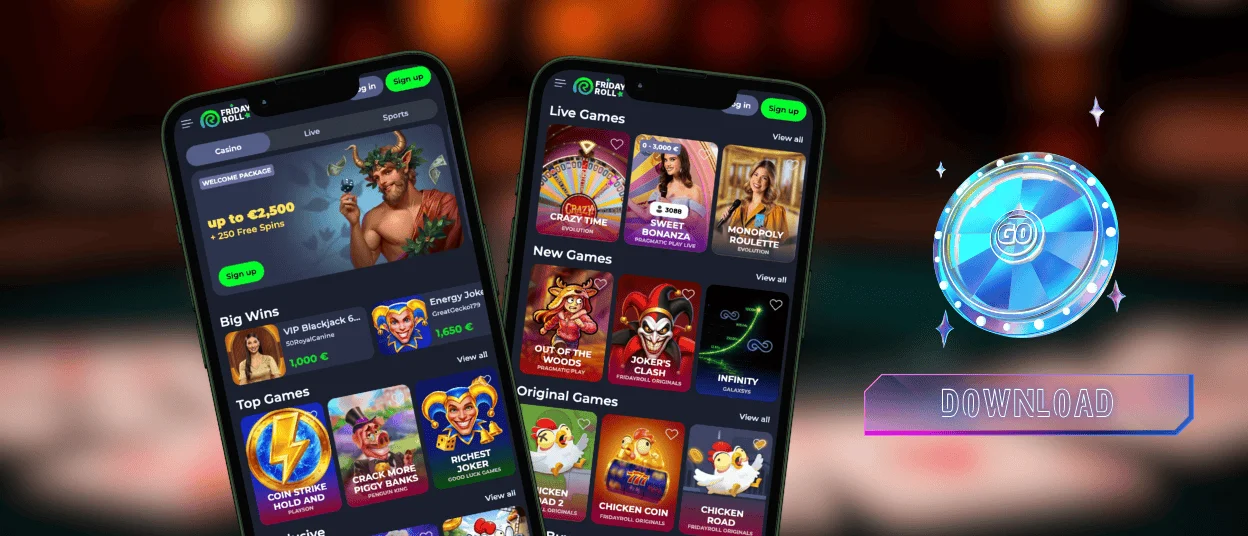
Fridayroll App for Android
The Friday Roll app works on any Android device with an internet connection. It runs through a browser as a progressive web app, so no complicated setup is required. The platform adapts to your screen for a full casino gaming experience.
To install the Fridayroll app on Android, create a shortcut in your browser. Once the icon appears on your home screen, you can open the casino with a single tap.
APK
We don’t offer an APK file. The Fridayroll app is a progressive web application, not a traditional mobile app. You won’t find us in the Google Play Store.
The PWA format is lightweight and loads faster than native apps. It takes up virtually no space on your device and runs on any Android version.
Security is simpler too. Since there’s no APK to sideload, you avoid the risks associated with third-party file installations.
Friday Roll Casino runs through your browser with the same encryption and security protocols as the desktop version.
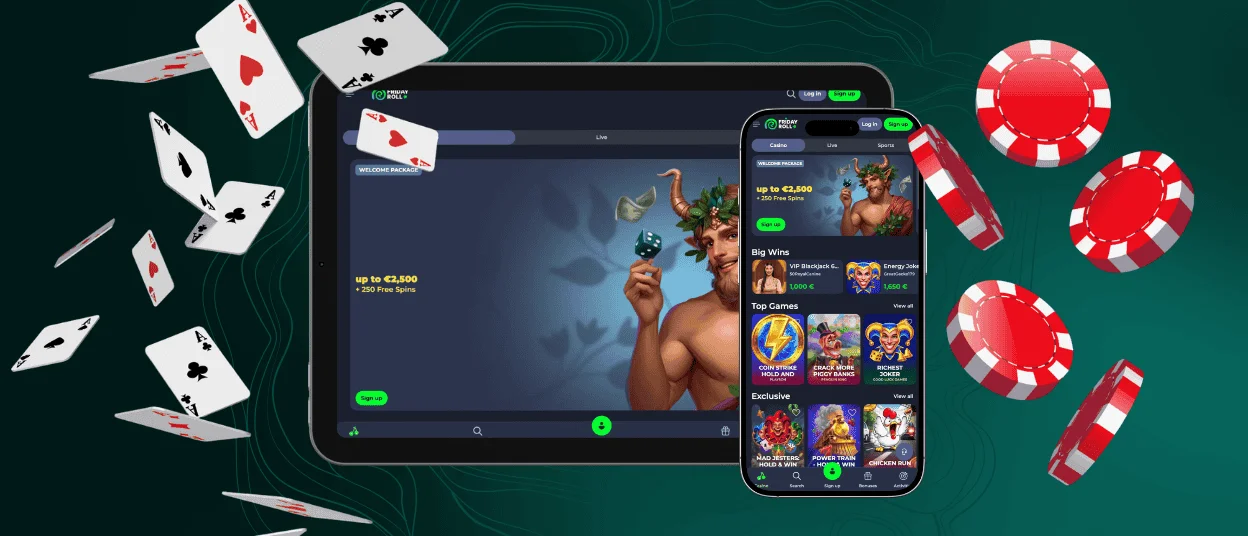
Friday Roll Casino Desktop App for Windows and macOS
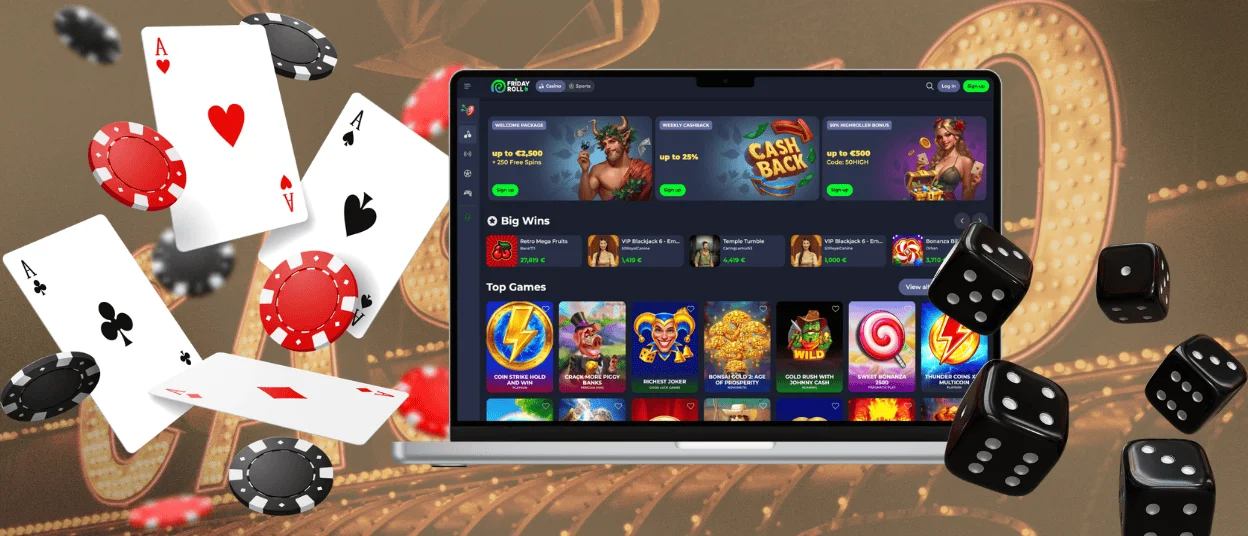
The desktop version of Fridayroll Casino is the full platform in your browser with no downloads.
For extended sessions, the desktop format is hard to beat. Live dealer tables benefit from a larger screen: you see the dealer, the table layout, and the chat stream without scrolling. Slot visuals pop on a larger display, and table games display all betting options clearly.
You can also create a desktop shortcut for easier access. The shortcut opens in a separate window. This way, Fridayroll Casino functions like a native app without the installation overhead.
Tips for the Best Gaming Experience
We’ve compiled the most useful tips for playing games at Fridayroll Casino effectively:
- Your internet connection is everything. To stay in the game, you should use a stable connection. Lag affects live dealer games the most.
- You need to close unnecessary browser tabs and background apps for faster loading.
- With session reminders, it’s easy to keep track of your time in the game. We recommend using our responsible gaming tools.
- Players should keep their browser up-to-date. Fridayroll supports Chrome, Firefox, Safari, and Edge, but performance depends on having the latest versions
- You should clear your browser cache periodically. Cached data accumulates and slows down performance over time.
FAQ
Can I use the Fridayroll app on a tablet?
The Fridayroll app works on any tablet with the same browser-based layout. This interface adjusts automatically for larger displays so you can use it easily. You can make a shortcut to get the full casino experience instantly.
Can I view my transaction history through the mobile version?
You can view your full transaction history in the mobile app. Everything appears there with timestamps and amounts. The information mirrors exactly what you would see on the desktop version. If you have any issues with your Fridayroll app, you can contact our support team via live chat or email.
Are withdrawals available through the Friday Roll app?
Withdrawals are fully supported through the Friday Roll app. The process works identically to the desktop version. The app shows all available payment options. Also, withdrawals require a verified account as a standard security measure. You must complete the verification process before requesting payouts.


